
How long should a nursery keep its records?
Pick a kind of record and enter one date. See how long to keep it and the date it can be reviewed for secure deletion, using the periods Wrennery uses by default.
These are Wrennery’s defaults for Scotland. Scottish regulations set no retention periods for these records, so Wrennery keeps the same periods as in England, which are at least as long as Scottish limitation periods. Your own retention policy may keep some records for longer, for example on your insurer’s advice; it should not keep them for less. Records connected to an ongoing concern, complaint or claim should be kept until it is resolved. When the date comes, review the record before deleting it securely.
How long to keep each record.
| Record | Keep for |
|---|---|
| Children’s records and registers | A reasonable period after the child leaves (default 3 years) No period set in Scottish regulations; Wrennery default |
| Accident, incident and medication records | Until the child is 21 years and 3 months old (longer than Scottish limitation periods, to be safe) Prescription and Limitation (Scotland) Act 1973; Wrennery default |
| Safeguarding and SEND records | Until the child is 25, or transferred to the next setting |
| Invoices, payments and funding records | 7 years after the child leaves |
| Complaints | At least 3 years Wrennery default |
| Staff records | 6 years after employment ends Common practice |
| Payroll records | 6 years after the end of the tax year (payroll: 3 years minimum) |
| Unsuccessful job applicants | 6 months after the recruitment decision |
Read more about how Wrennery handles records and UK GDPR.
Retention, handled for you.
Wrennery tracks when each record has been kept long enough, and lists children who left long ago, unsuccessful applicants and old enquiries for review. Accident, medication and safeguarding records stay until the child is old enough, and a child’s records are only erased once someone approves it.
See security and UK GDPR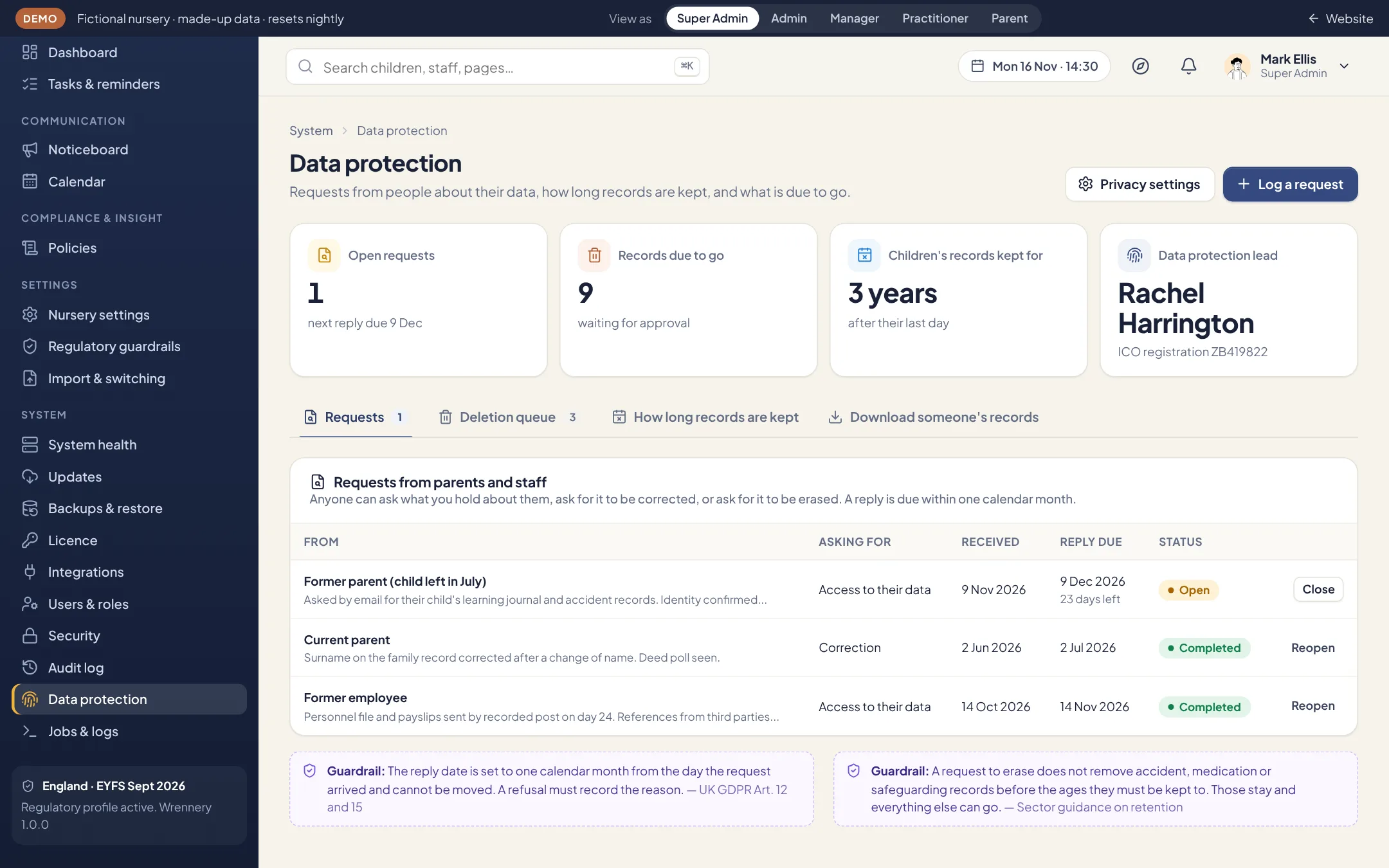
See it with your own nursery in mind.
Explore the full demo as a manager, practitioner, director, IT administrator or parent. No sign up, and no sales call.