
Registers, ratios and a diary that keeps itself.
Sign-ins at the entrance kiosk or on the room tablet, live ratios in every room, sleep checks, meals, nappies and photos, all shared with parents in the app.
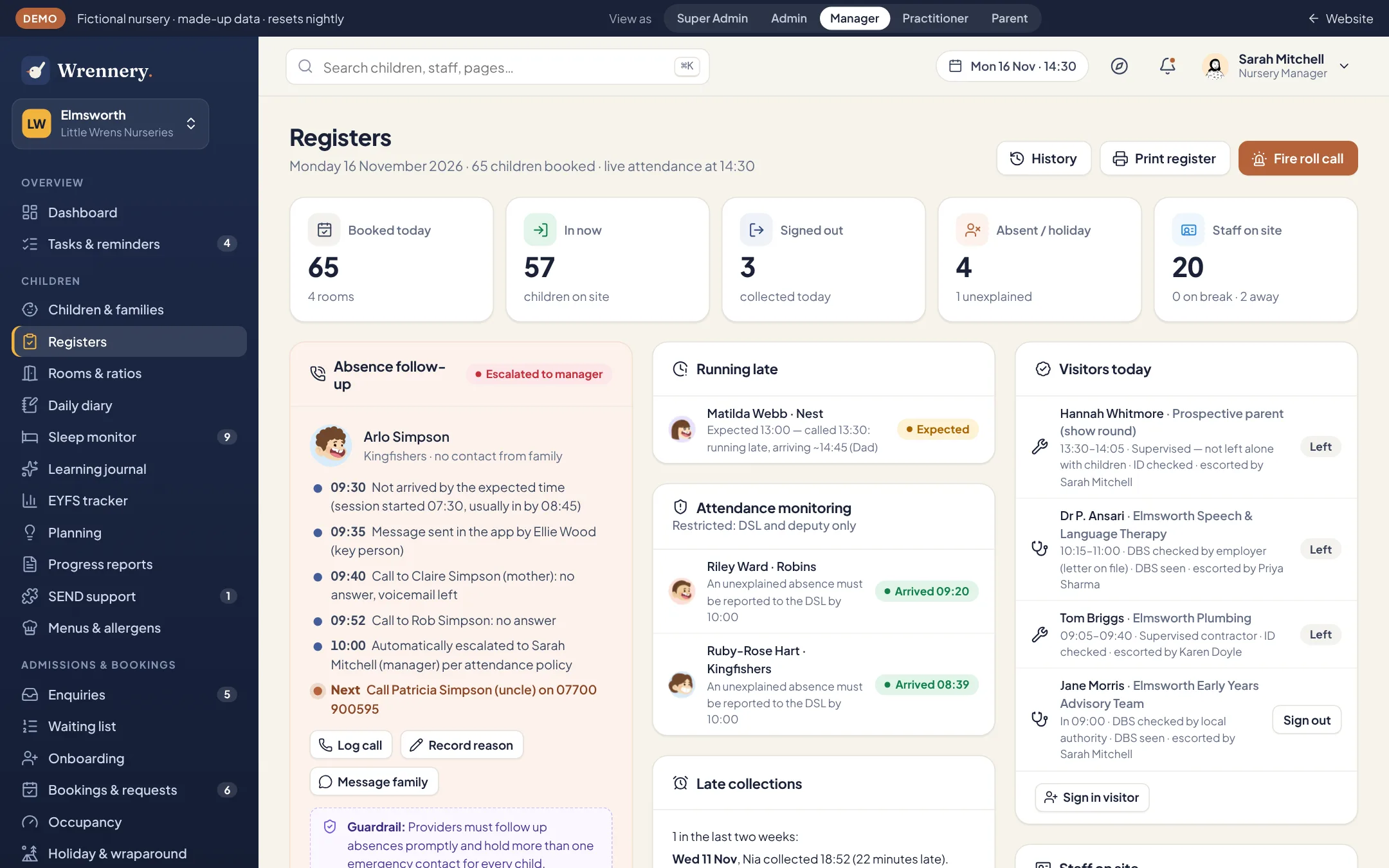
A register that follows up for you
See who is in, who is expected and who has gone home. When a child has not arrived and nobody has called, Wrennery starts your absence procedure and records each step.
- Sign in and out on the tablet, at the kiosk, or with a parent’s phone at the door
- Late collections logged, with your late fee added if you charge one
- The daily record of names, hours and key person kept for you
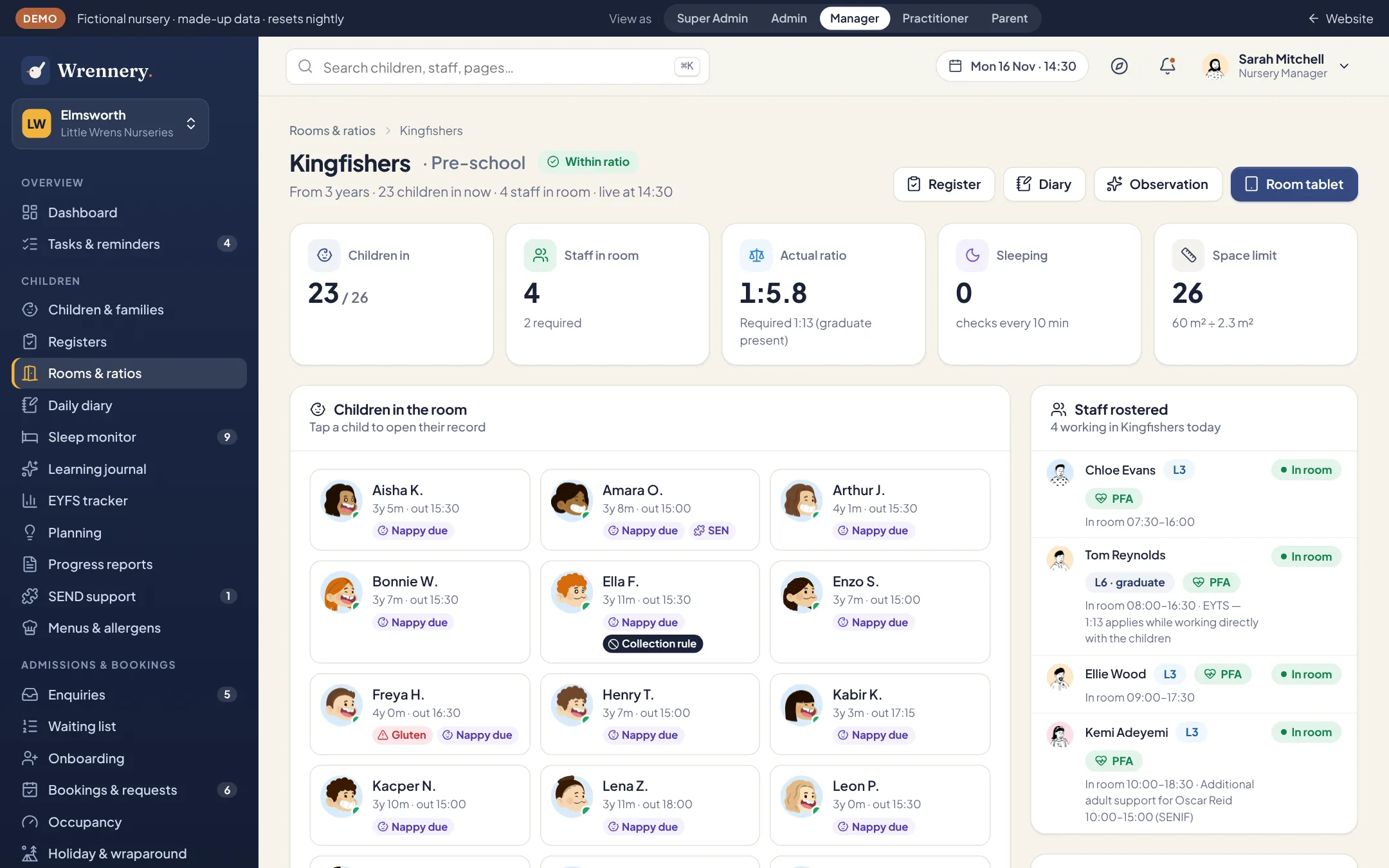
Live rooms and ratio timelines
Every room shows the children present, the staff in the room and their qualifications, with a ratio timeline for the whole day, past and forecast.
- Mixed-age rooms calculated child by child
- 1:13 applied only while an EYTS or QTS holder is working in the room
- Breaks, cover and room moves included
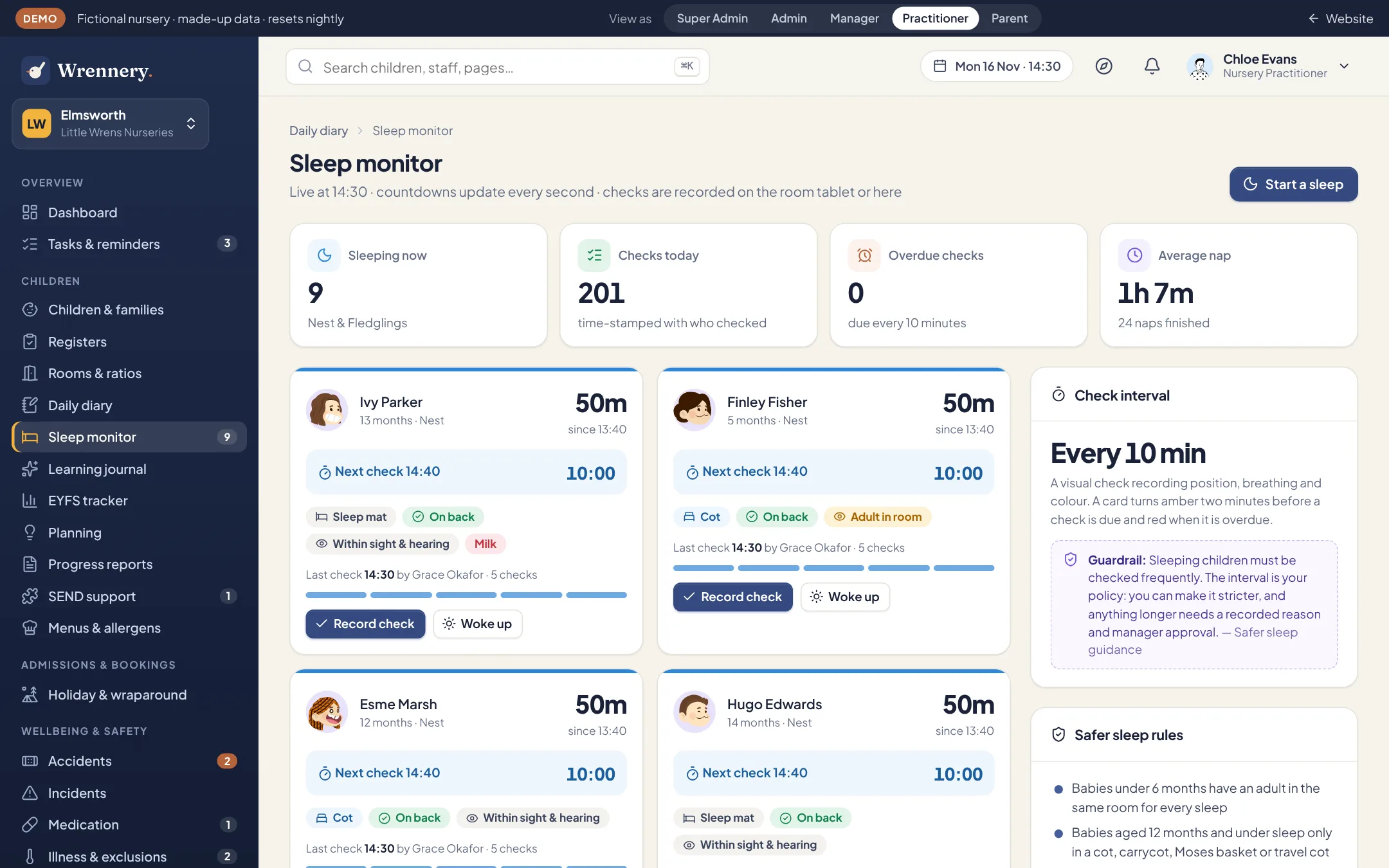
Safer sleep, timed to the minute
Each sleeping child has a running timer and a countdown to the next check. Staff record the sleeping position with a tap.
- Babies under 6 months: an adult in the room for every sleep
- Babies 12 months and under: cot only
- 10-minute checks unless you set them more often
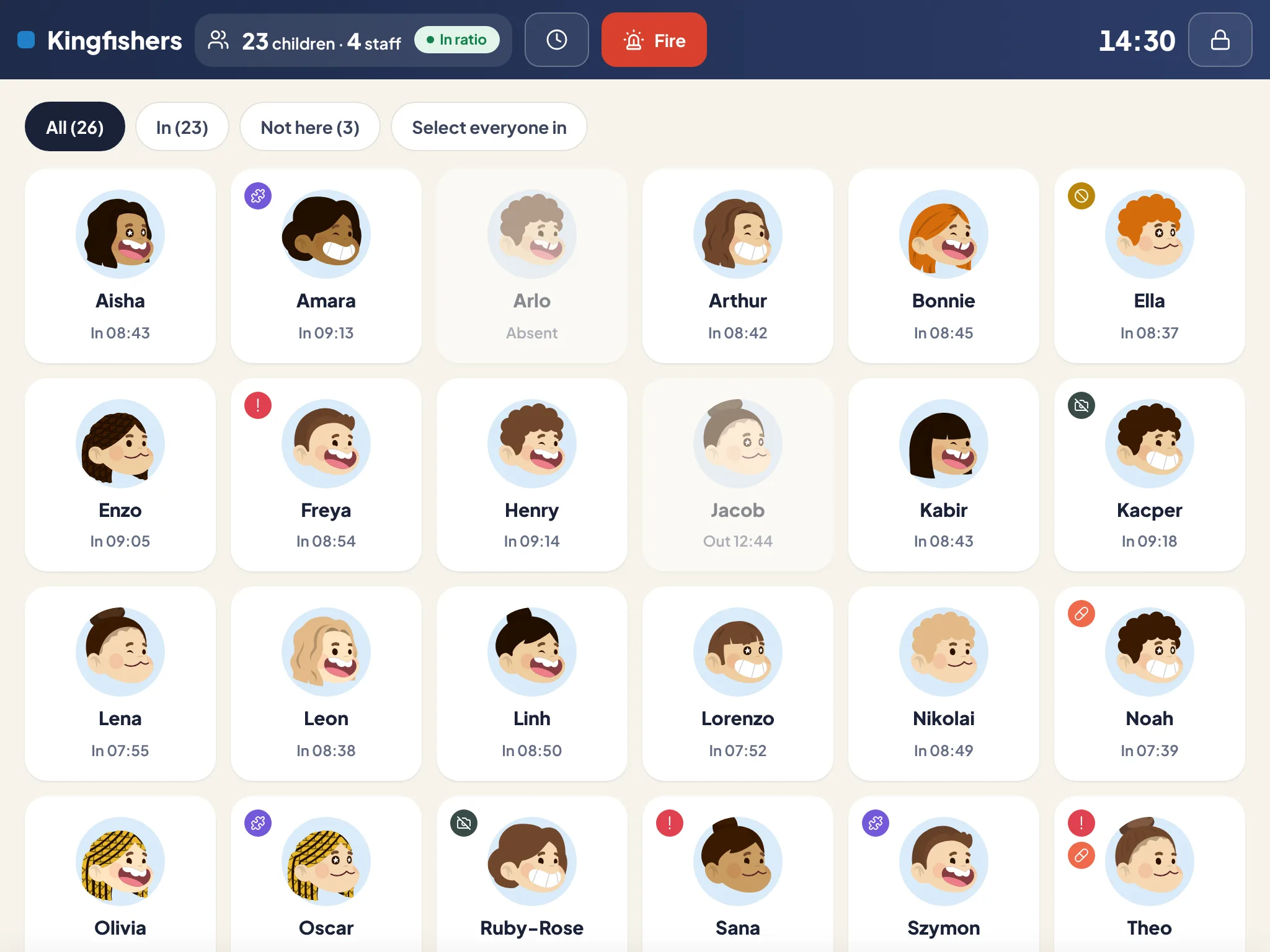
Built for the room tablet
Big tiles, quick actions and a PIN lock. Photos are taken inside Wrennery and go straight to your server.
- Meals, bottles, nappies, sleep, activities and photos, for one child or several at once
- Staff clock in and out with their own PIN
- Runs in the browser of any modern tablet, and keeps entries made offline until the connection returns
Yours to set up. Never outside the rules.
These rules are enforced for you. Set them stricter if you like, but Wrennery will not let them slip below the statutory line.
All guardrails- Ratios by age (1:3, 1:5, 1:8) can be made stricter, never looser.
- A change to a register time needs a reason, and the reason is logged.
- Absences without a reason are followed up step by step, and each step is recorded.
- The fire roll call lists every child, member of staff and visitor on site.
- A meal that may contain a child’s allergen is only saved once someone signs off that they checked the plate.
And the rest of what you’d expect.
Emergency fire roll call
Entrance kiosk with collection password checks
One entry for several children at once
Visitor log
Room moves during the day
Menus with the 14 allergens
Allergy care plans and auto-injector expiry reminders
Meal numbers from bookings
Weaning stages and milk feeds
Kitchen stock, orders and food cost per child
Learning & EYFS
Observations, trackers, two-year checks and termly reports aligned to the EYFS.
ExploreAdmissions & bookings
Enquiries, waiting lists, online registration, bookings and occupancy forecasting.
ExploreParent app & messaging
Messages, a noticeboard, the calendar, newsletters and urgent alerts, in a free app for every parent.
ExploreSee it with your own nursery in mind.
Explore the full demo as a manager, practitioner, director, IT administrator or parent. No sign up, and no sales call.