
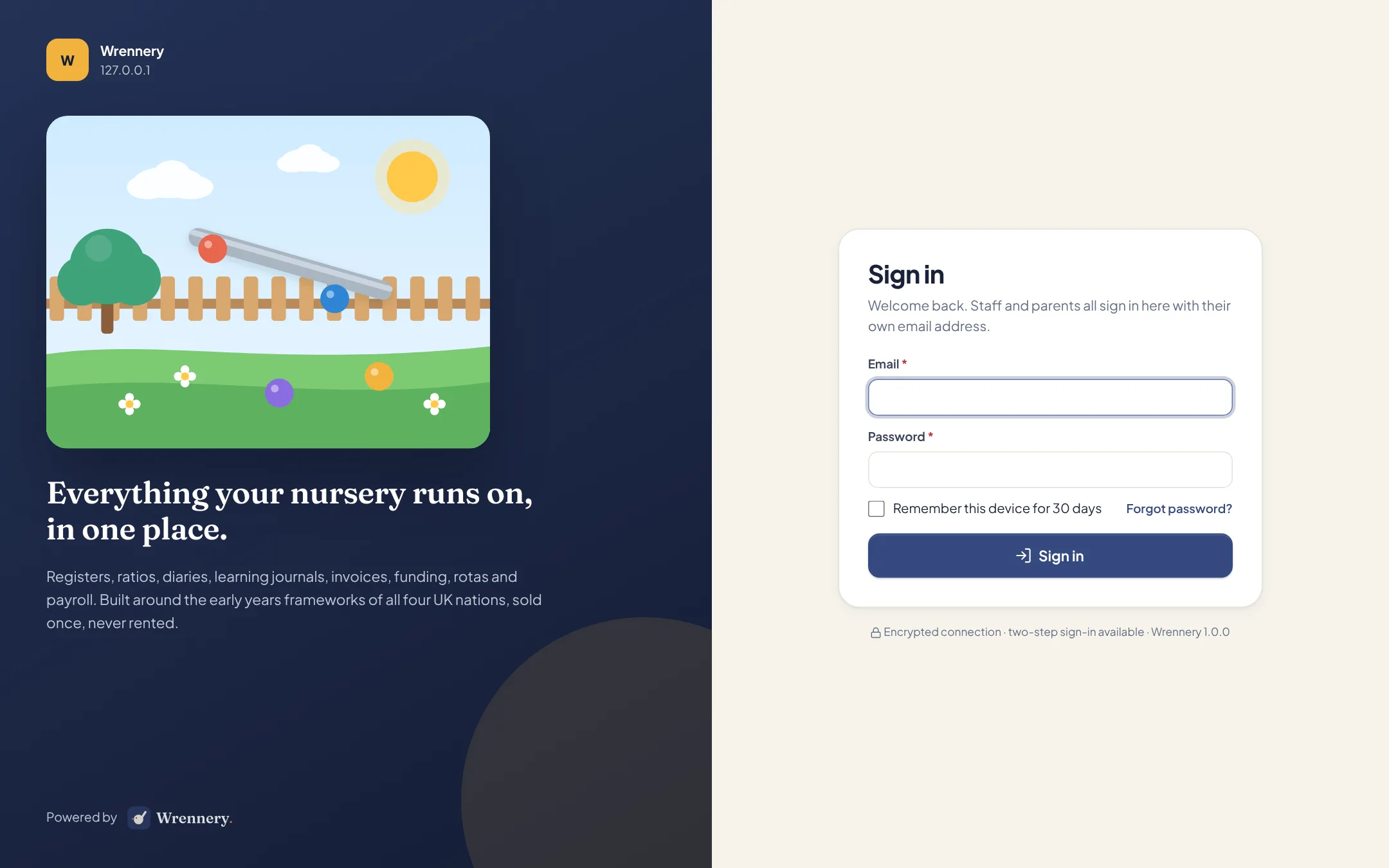
Your server or ours. Your data either way.
Install Wrennery on a server of your own, or let us run it for you in the UK. It is the same software, and you can move from one to the other with a single backup file.
On your own server
Run Wrennery on any modern Linux server you control.
- Ubuntu 24.04 LTS or similar, with Nginx or Apache and PHP 8.3 or newer
- MySQL 8, MariaDB 10.6 or newer, or PostgreSQL 14 or newer
- 2 GB of memory and 40 GB of disk to begin with
- No Redis, Node.js, Docker or queue worker needed
- Step-by-step guide for Laravel Forge, or for a server set up by hand
Hosted by us
We run it for you in the UK.
- Your nursery has a database of its own, separate from every other nursery
- Everyone signs in at one address, staff and parents alike
- We install each release for you
- A backup every night, which you can also download
- Take a backup and move to your own server whenever you like
One sign-in page, whoever you are.
Staff, managers, owners, your IT administrator and parents all sign in at the same address with their own email address and password, and each sees what their role allows. On our hosting, Wrennery works out which nursery an account belongs to, so there is no separate address for each nursery to remember.
- Two-step sign in, required for the roles you choose
- New people are invited by email and choose their own password
- One email address can belong to more than one nursery
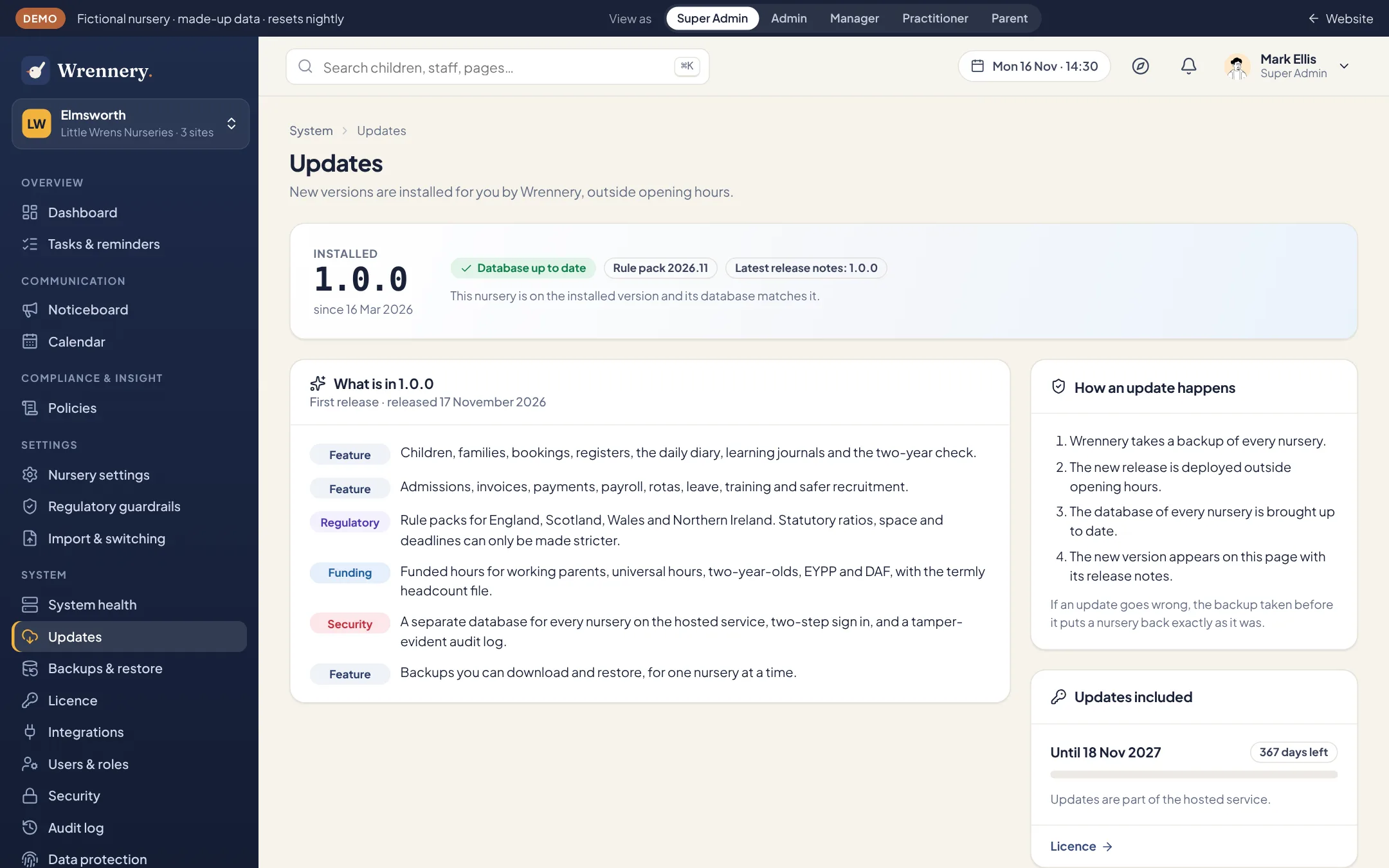
Updates install themselves. You decide when.
On our hosting we install each release for you. On your own server Wrennery hears when a new version is out, downloads it, and installs it at the time you choose, out of hours. You can have it wait for someone to say yes instead, or turn it off.
- Each release lists what changed, on the changelog and inside Wrennery
- Statutory figures such as ratios, funding rates and the minimum wage arrive in the release
- Your settings file and your uploads are never part of a release, so an update leaves them alone
- The version before is kept on your server for 14 days, and the restore point stays under Backups
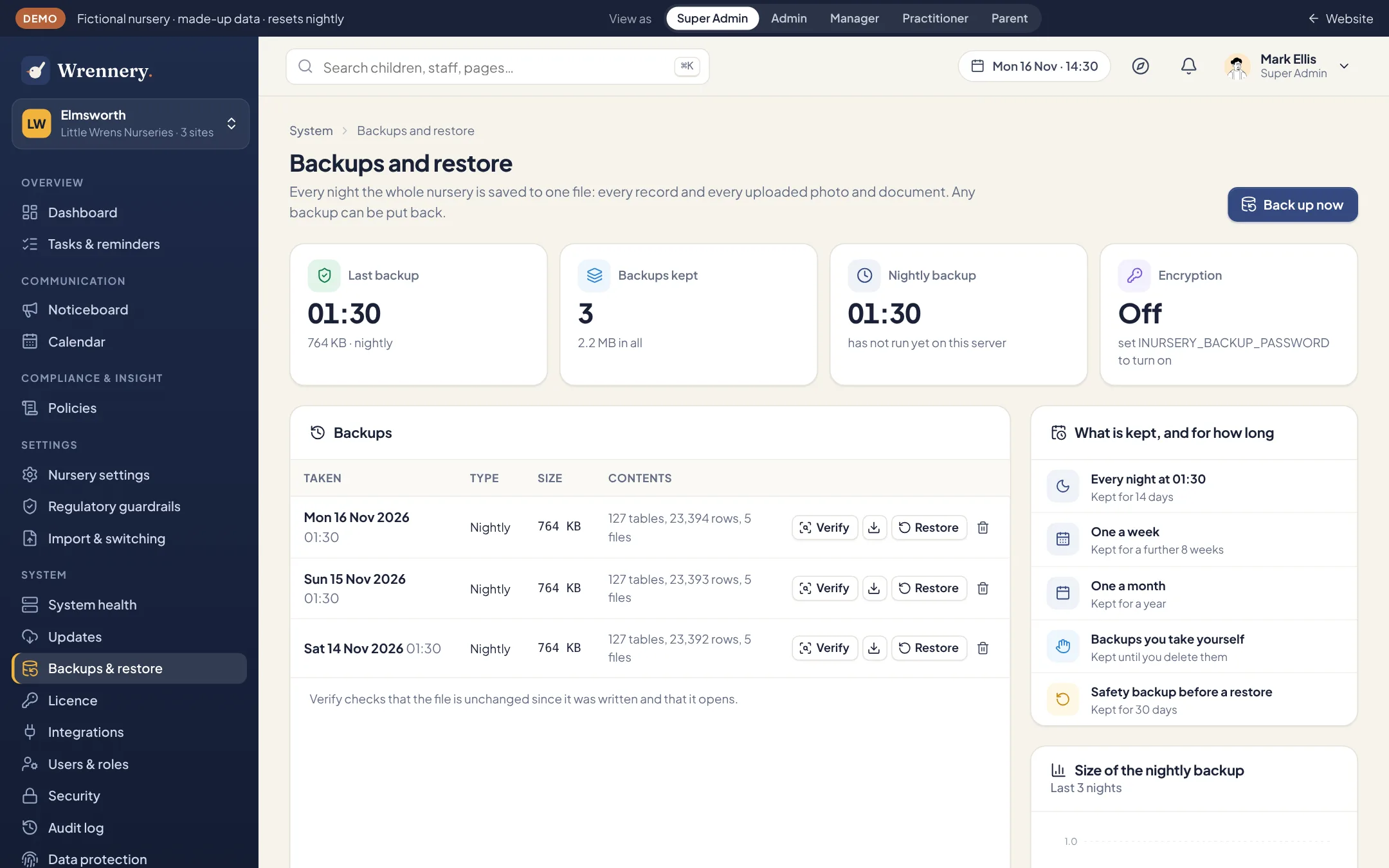
Backed up every night. Yours to download.
Every night Wrennery makes one file holding every record and every uploaded photo and document. It keeps 14 nightly backups, then one a week for 10 weeks, then one a month for a year. Someone with the Super Admin role can take, check, download and restore a backup from inside Wrennery.
- Encrypted with a password you set
- Copied to your own S3-compatible storage as each one is made, if you set that up
- A safety backup is taken before any restore, and the audit log is never wound back
Moving between the two
A backup file restores on any Wrennery installation. To move from our hosting to your own server, or the other way, take a backup, install Wrennery in the new place, and restore the file. The installation guide has the steps.
What leaves the server
An installation on your own server calls out for four things only: to send email, to send notifications to phones through the push services run by Apple, Google and Mozilla, to copy backups to your off-site storage if you set that up, and to check with us once a day for a new version and confirm its licence. The check sends the installation’s id, its web address, its version, your licence keys and how its last update went. It never sends your records to us. We call your installation’s address only to say that a new version is out.
See it with your own nursery in mind.
Explore the full demo as a manager, practitioner, director, IT administrator or parent. No sign up, and no sales call.